PCリサイクルの申込 ~東芝dynabook編~
TypeScript Playground お試し
TypeScriptデビューしました。
環境構築がめんどくなったので、あとコンパイルとかもしなきゃいけないので・・・うーんまだ始められない・・・と思ってたら便利なものがあるようだったので、お試し。
こちらのサイトに教えてもらいました。
『サバイバルTypeScript』、ありがたや。
書いたコードのリンク。
Playgroundのトップじゃなくて自分が書いた断面のURLが持てる模様。
特にログインとか何もしなくてよくて、書いたコード文字列まんまをURL化している、という仕組みらしい。※
※詳細は上の「TypeScript Playgroundの使い方 」リンクを参照。
// which gives you a chance to write, share and learn TypeScript.
// You could think of it in three ways:
//
// - A location to learn TypeScript where nothing can break
// - A place to experiment with TypeScript syntax, and share the URLs with others
// - A sandbox to experiment with different compiler features of TypeScript
const anExampleVariable = "Hello World"
console.log(anExampleVariable)
//JS
let field1 = 1 + '1';
console.log("field1 : " + field1); // this results 11.
//TS complie error : Compiler got this as a String field although I intended a number-field.
// let field2:number = 1 + '1';
// console.log(field2);
let field3:number = 1 + 1;
console.log("field3 : " + field3); // this results 2.
func1(1);
func2("2");
// func3(3); // allow
// func4("4"); //allow
// function(5);
//JS style : not type declaration
function func1 (num:number) {
console.log("Hello! this is a function named func1. " + `${num}`);
}
//JS style : not type declaration
function func2(num:String) {
console.log("Hello! this is a function named func2. " + `${num}`);
}
// allow3(33); // 関数式による関数定義は関数の巻き上げが起こらないので、必ず呼び出しより先に宣言が必要
//TS style : type declared
const allow3 = (num:number) => {
console.log("Hello! this is a function named func3. " + `${num}`);
}
allow3(333); // こちらは関数宣言より後のステップなのでOK
//TS style : type declared
// ()をつけないとエラーになる なぜなのかは分からない
// また{}はそもそも省略不可だった、return文がない場合はたとえ処理が1行でも{}を省略できない
// const allow4 = num:number => {
// console.log("Hello! this is a function named func4. " + `${num}`);
// }
// 無名関数 Error: Identifier expected. -> 関数名がないことでエラーになる=無名関数はムリ?
// function (num:number){
// console.log("Hello! this is a function with no name. " + `${num}`);
// }
//即時実行関数式 : これはOK
(function(num:number){
console.log("Hello! this is a function with no name. " + `${num}`);
})(6)
// To learn more about the language, click above in "Examples" or "What's New".
// Otherwise, get started by removing these comments and the world is your playground.
*** 貼り付け ここまで ***
こんな感じ
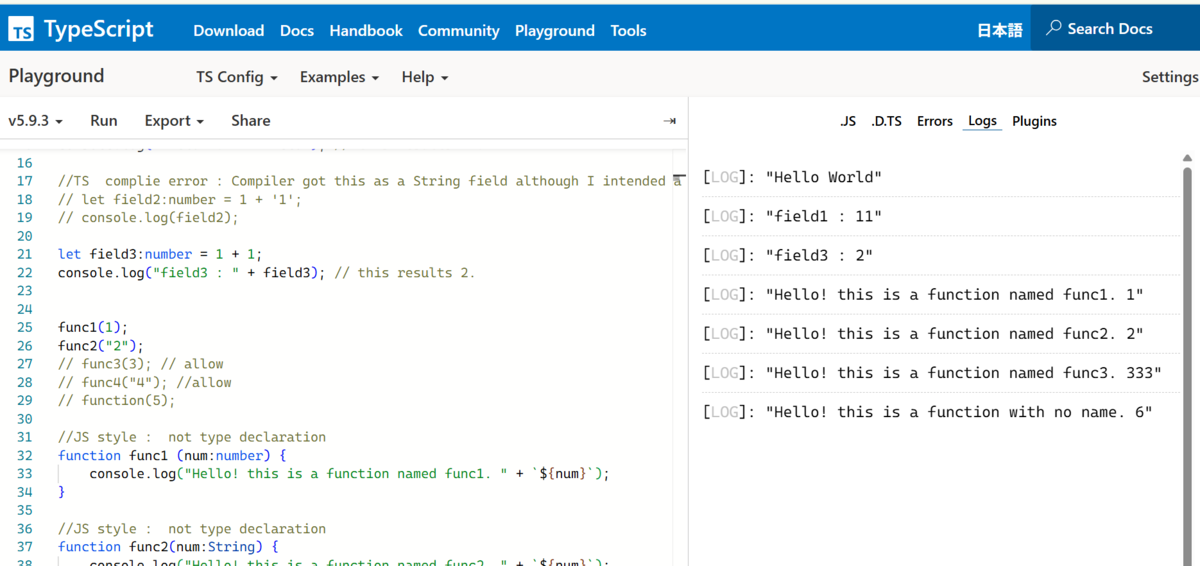
なんかすごい便利。ユーザー体験として「楽しい」って感じがした。
最初しばらくはこっちでやろうかな。
環境構築メモ Docker→Node.js→TypeScript→Jest
まずDocker
公式サイトからインストーラ形式でやった。
Docker

ダウンロードできたインストーラを起動し、インストールする
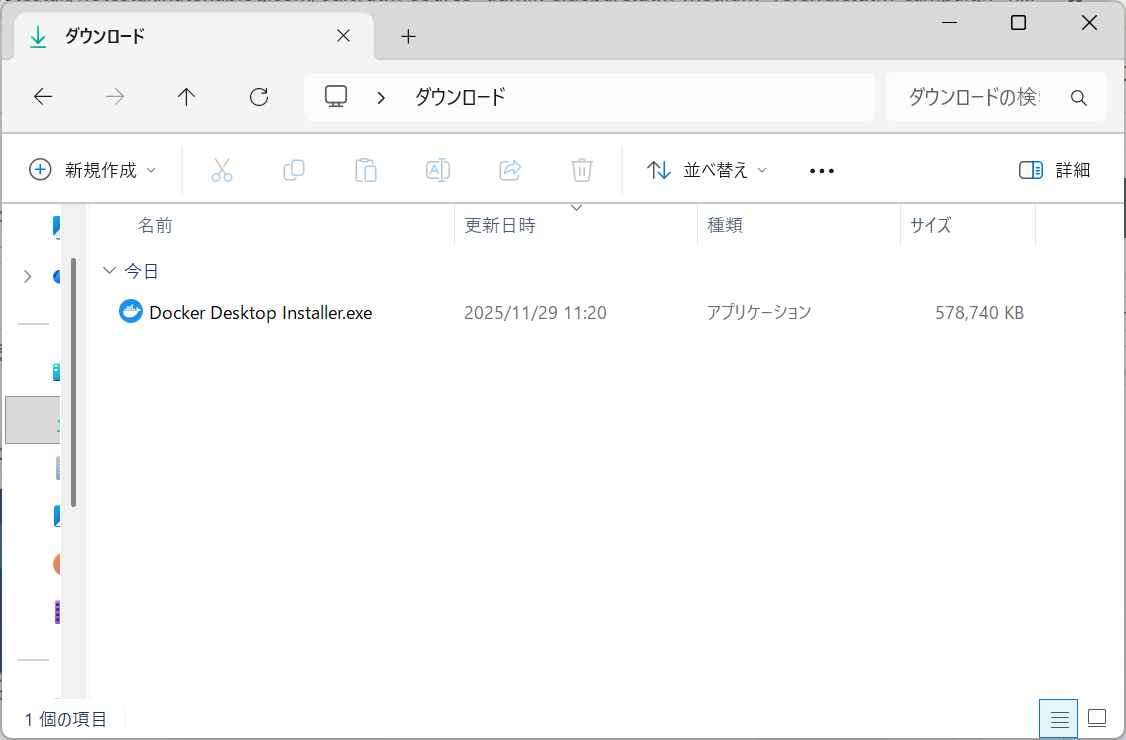
インストール完了したら、Docker Desktopが起動する
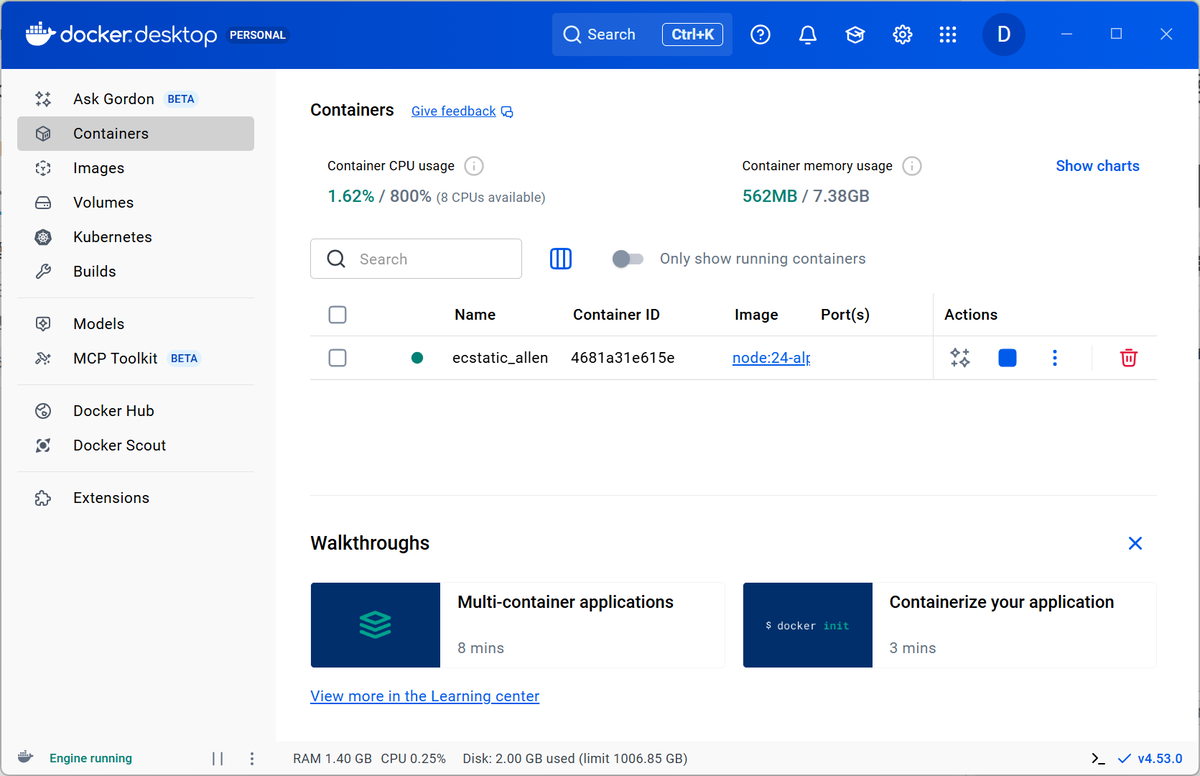
※これは既にNode.jsのコンテナを起動した状態
Node.js
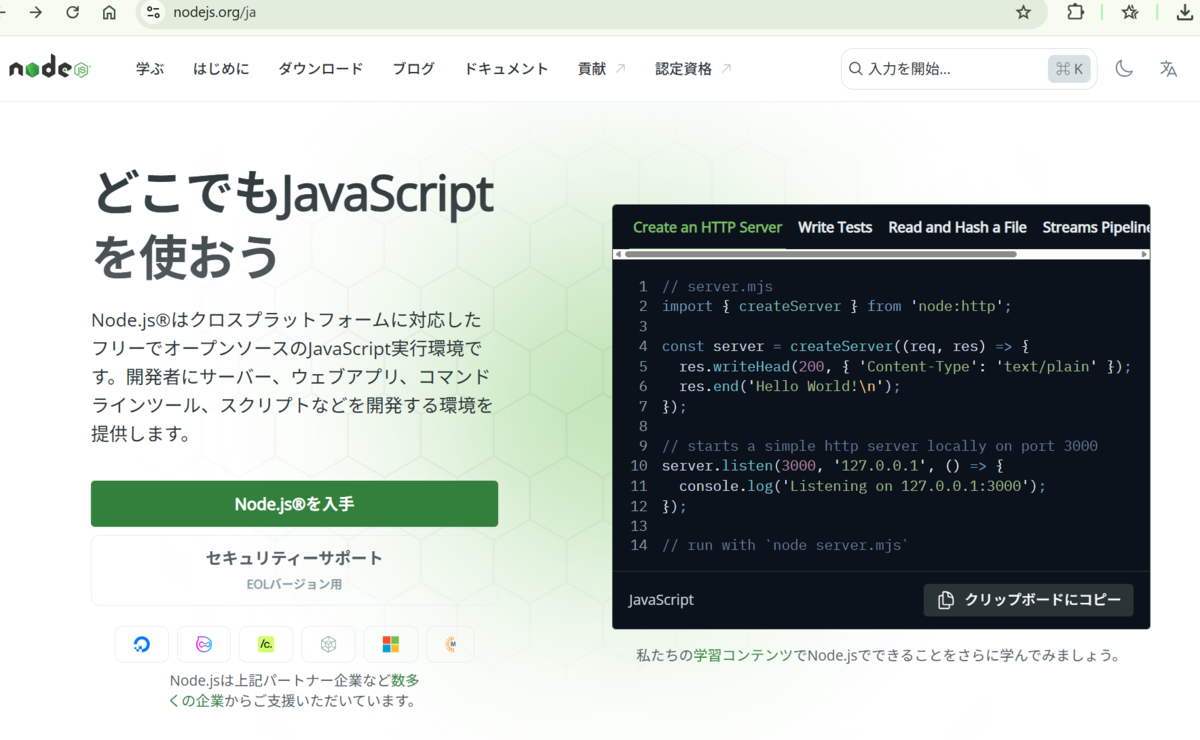
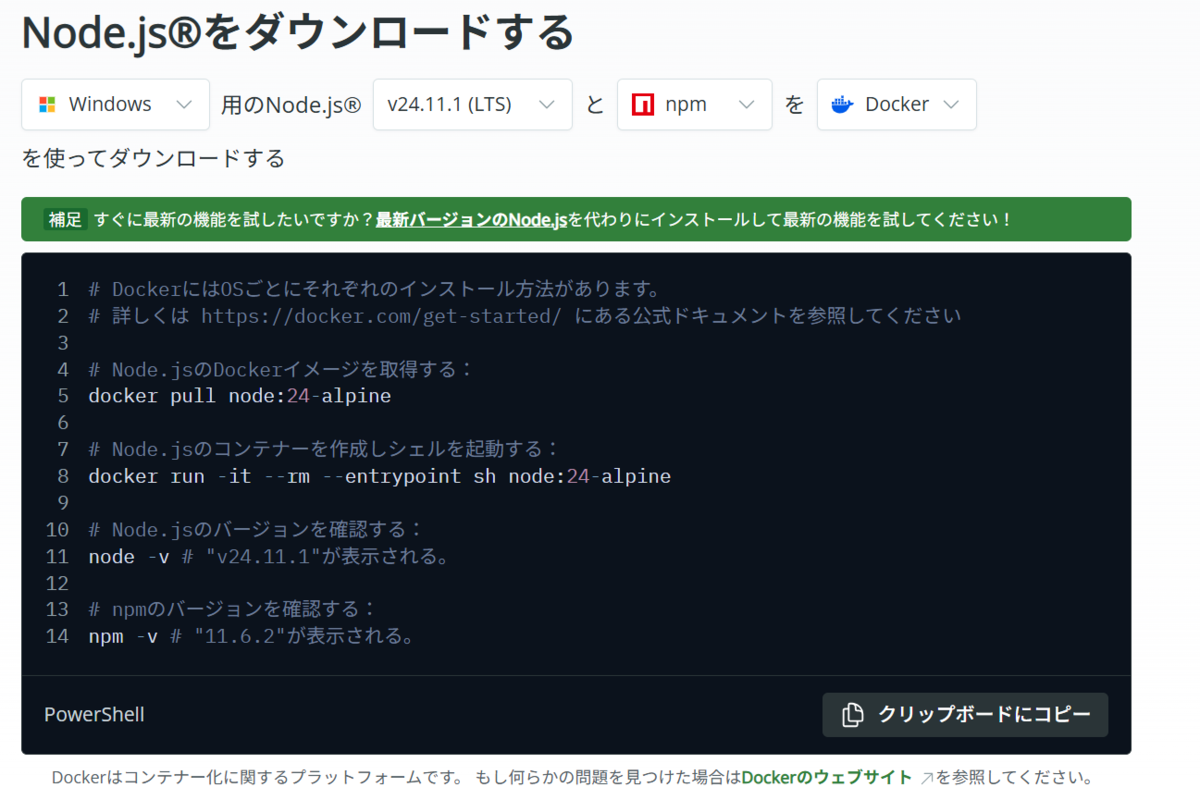
インストラクションに沿ってコマンドを実行(vscodeでやった)
バージョン確認など
TypeScript
画面は起動したNode.jsのコンテナ。
ルート直下にappフォルダを作成しそこで色々やるようにするのがDockerのスタンダードらしい(Geminiより)
ので、そのようにしました
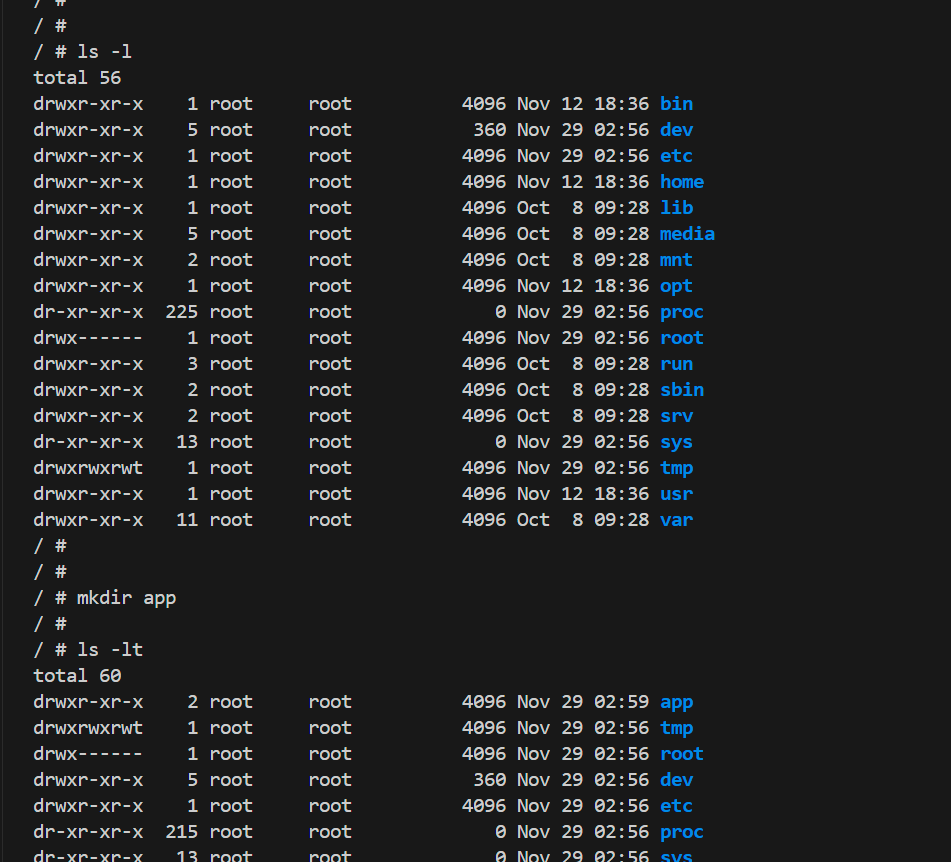
/app/jest-lesson とディレクトリ作成
で。
vscodeのエクスプローラでこのフォルダを開くところでちょっと手間取った。
拡張機能インストール が必要

からの、
vscode画面左下のツール機能を使用し、コンテナのリモートでフォルダを開く 的なことをした
そしたら新たに別ウィンドウで開けた!
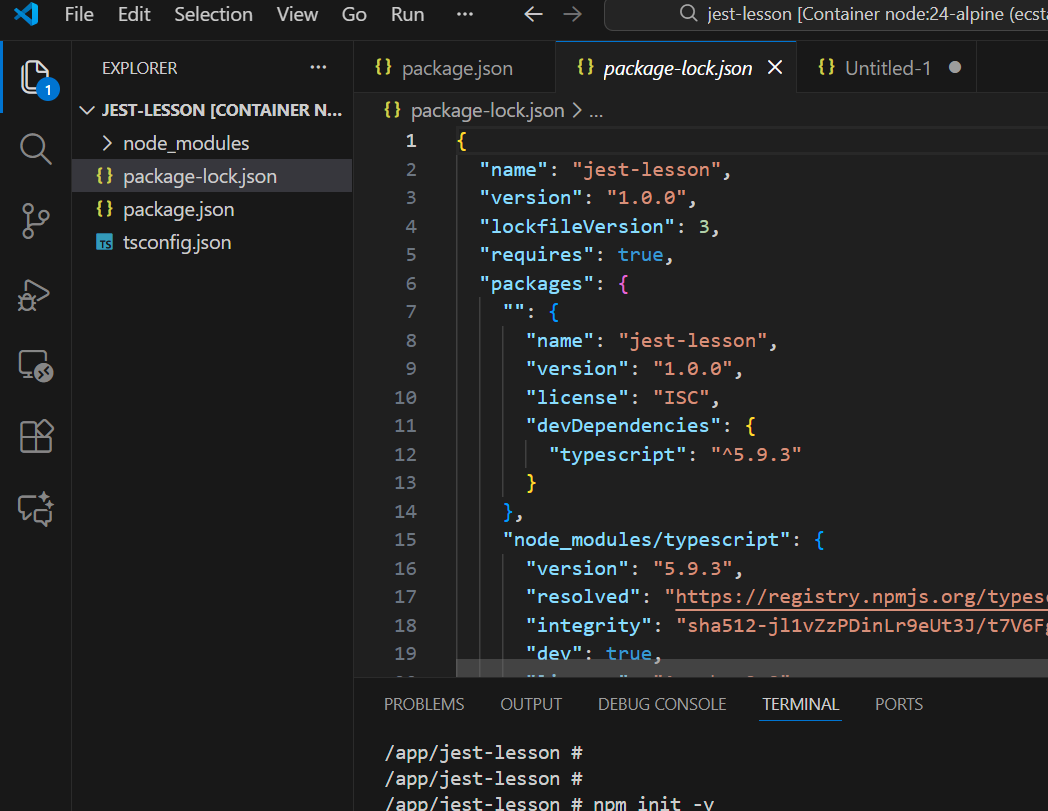
※ここのキャプチャは既に以下のTypeScriptインストールコマンドを実行後の状態
これで、TypeScriptのインストールに進むことができる。
npm init -y
npm install --save-dev typescript
(エイリアス使用で npm i -D typescript でも同じ)
npx tsc --init
現状ここまで。
睡眠ログ 8
カフェインを控えるようにして数日、やや眠りが良くなっているように感じる。
一方で夏の寝苦しさが新たな脅威として迫る。
除湿と送風を活用。
睡眠ログ 6
24時過ぎ?寝落ち、リビングで → 3:30頃に目が覚める → ふとん → 6時台?の目覚め。 眠り浅い。熟睡感なく疲れ取れた感じもしない。 そしてやはり3:30である。
目覚めから1時間半程は意識が半分は眠っているような状態。体が動かない。 少し散歩をして、意識が目覚めてきた。身体から神経・意識へのアプローチ。 とはいえまだ意識の2割ぐらいは半分寝てそうな感覚がある…
